

Virtual Private Network is commonly known as VPN. If you regularly use the internet, you should know the function and importance of VPN. To simply summarize its function and importance of a VPN, it allows you to have a secured access by making your access private and anonymous. Your static IP address is changed to your desired international location.
ZenMate VPN is now over 42 million downloads around the globe. You do not have to worry about cyber criminals, government, and advertising agencies. The one of the unique features of VPN hides your identity anonymously, no tracks are left behind the logs. More so, VPN provides the privilege to access restricted website streams or restricted websites in your current location because of geo restrictions or governmental censorship.
Why use ZenMate VPN?
ZenMate VPN is an advanced technological tool that should be used by all internet users to have a secure and enjoyable moment browsing the internet. Nevertheless, ZenMate VPN helps you with torrents, anonymity, governmental censorship, and geographical restrictions.
With ZenMate VPN, you do not have to worry when you are connecting with a public WiFi. It encrypts your personal information and traffic. Moreover, you can unblock geographical restrictions and governmental censorships in any website around the globe.
Nevertheless, ZenMate VPN wants you to enjoy your right to privacy! It gives you the privilege to be anonymous and securely torrent files without your IP address being seen by the government or advertising agencies!
ZenMate VPN gives you a 7-day premium trial. The premium plan of ZenMate is at a competitive yet affordable price. Always choose a VPN provider that offers a free version of their paid product.
There are over 30 servers you can choose from, and without doubt, United Kingdom and United States are included. Thus, this means you can unblock and use most websites around the globe. What are you waiting for? Download ZenMate VPN and be a part of the freedom of a secure and private internet world.
Here is a guide on How to use ZenMate on your phone:
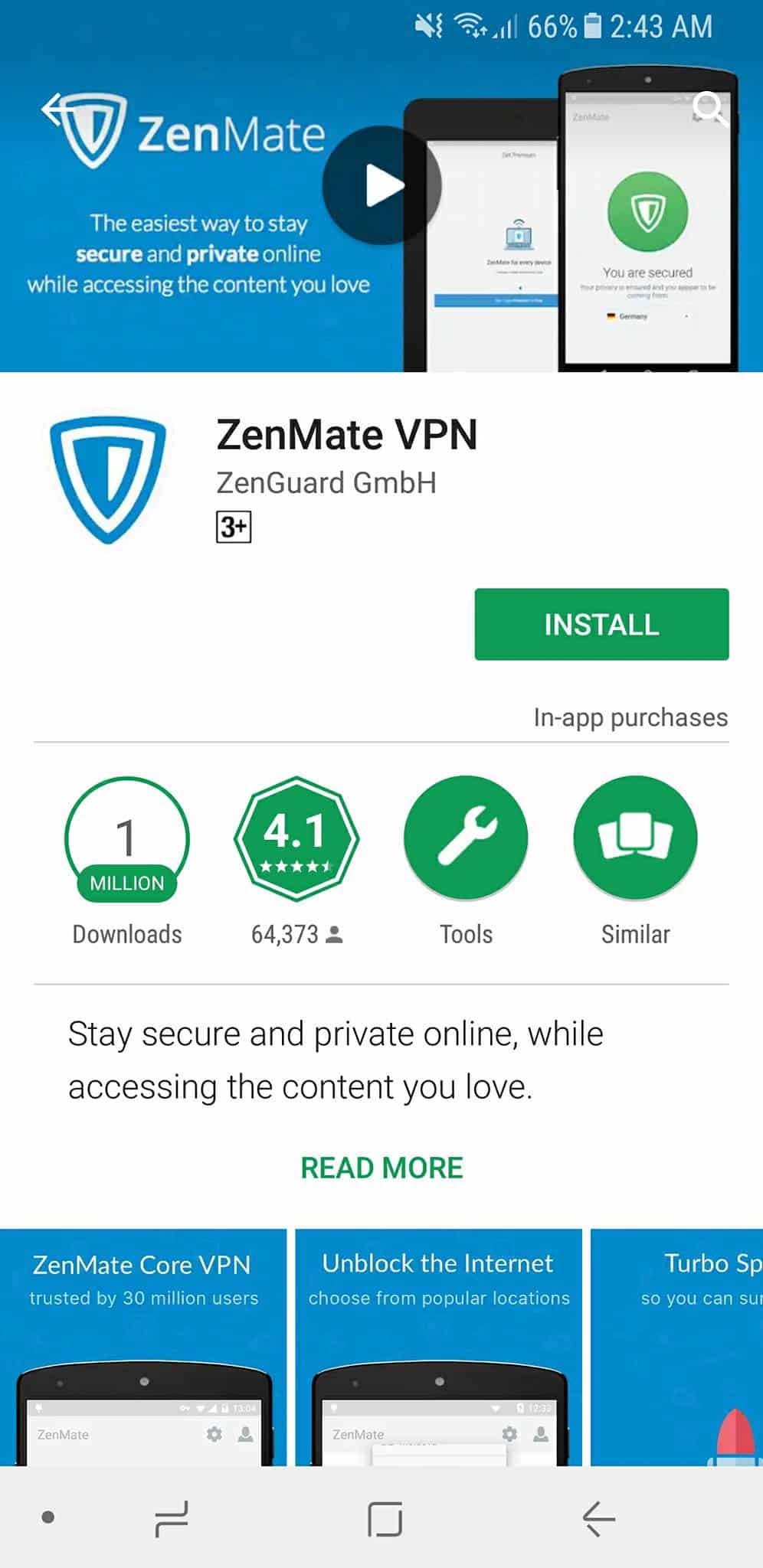
Step 1: Download the ZenMate VPN app on your phone. This will only take a few minutes.
For Android: ZenMate VPN for Android
For iOS: ZenMate VPN for iOS
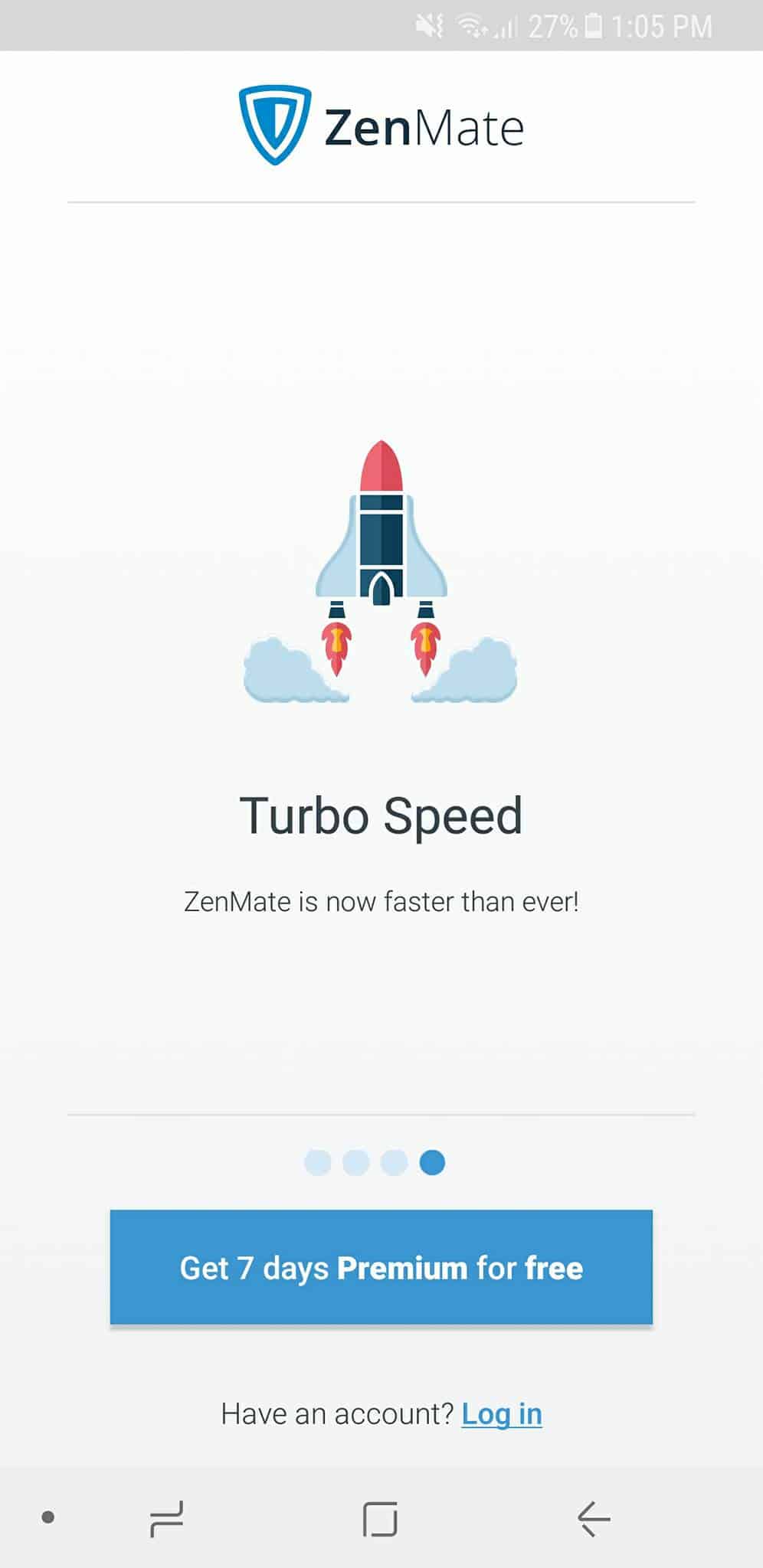
Step 2: After the ZenMate application is downloaded on your phone, tap the “Get the 7 days Premium for free”. If you already have an account, use it to log in.
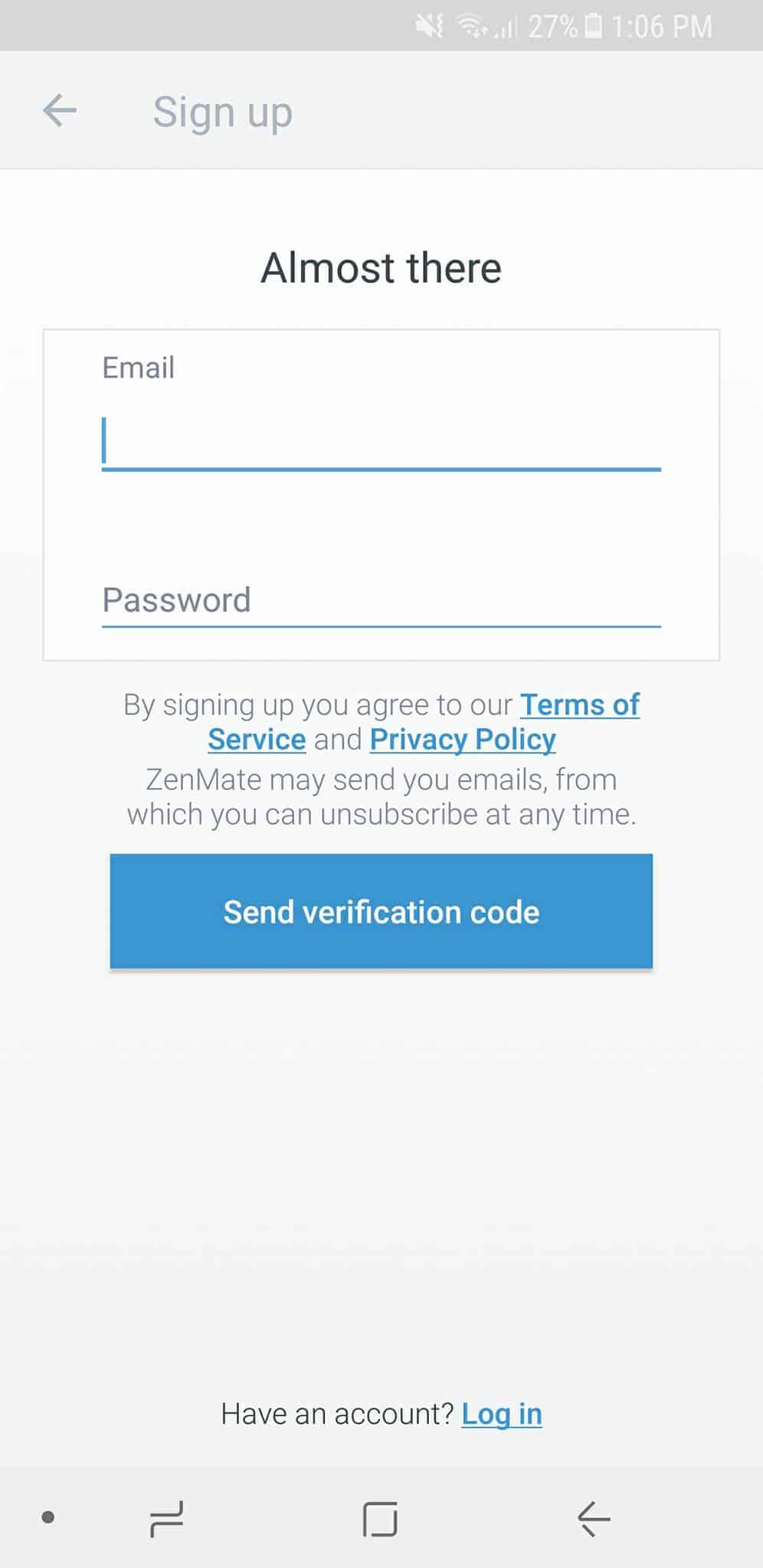
Step 3: If you do not have an account, sign up and a verification code will be sent to the email you registered. Check for the verification code in your email to use your account.
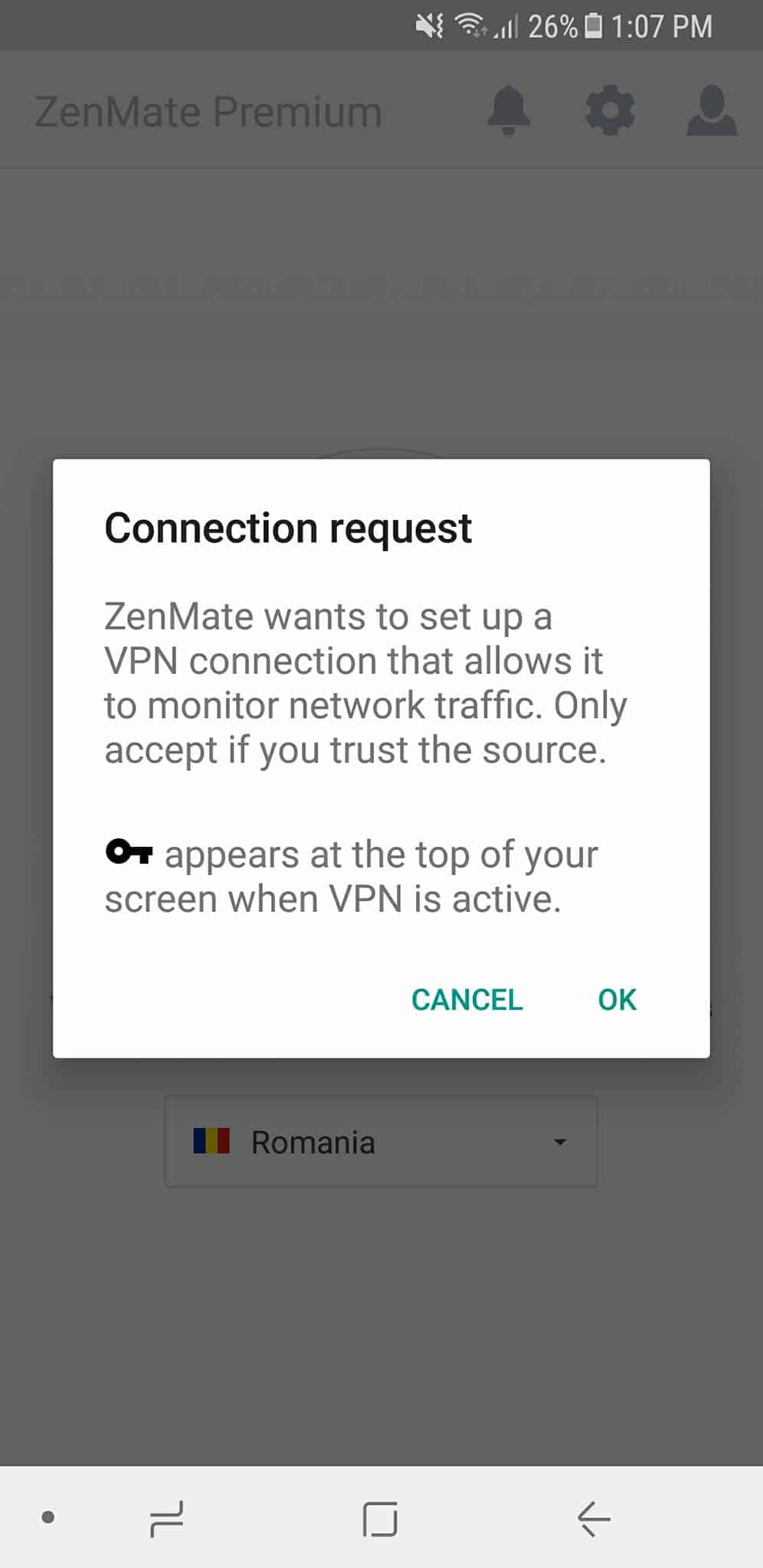
Step 4: After you verify your account, it will redirect to this notification. Simply click ‘OK’ to enable your connection request. After your request is connected, a key icon will appear at your notifications bar.
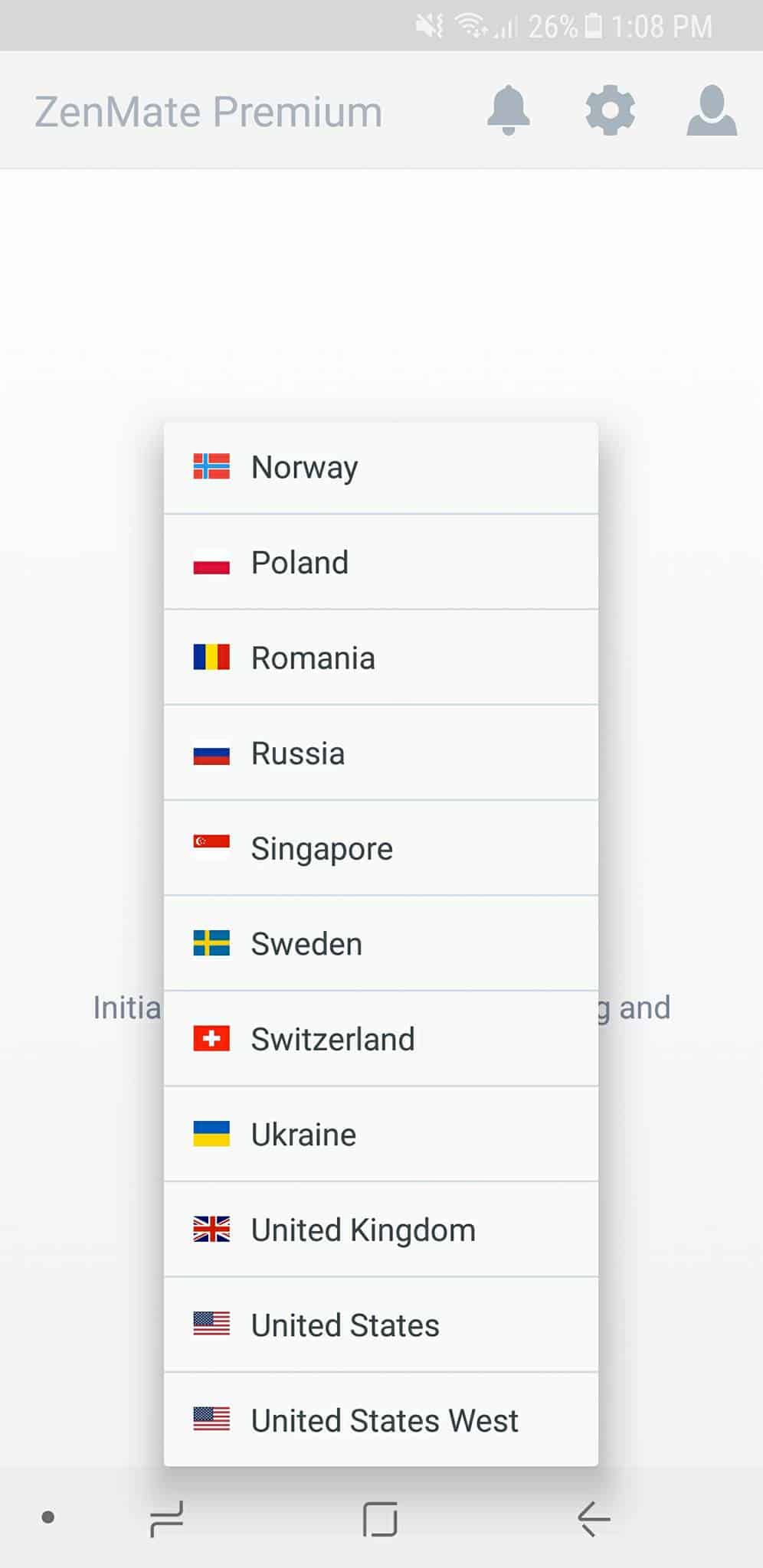
Step 5: Choose your desired location.
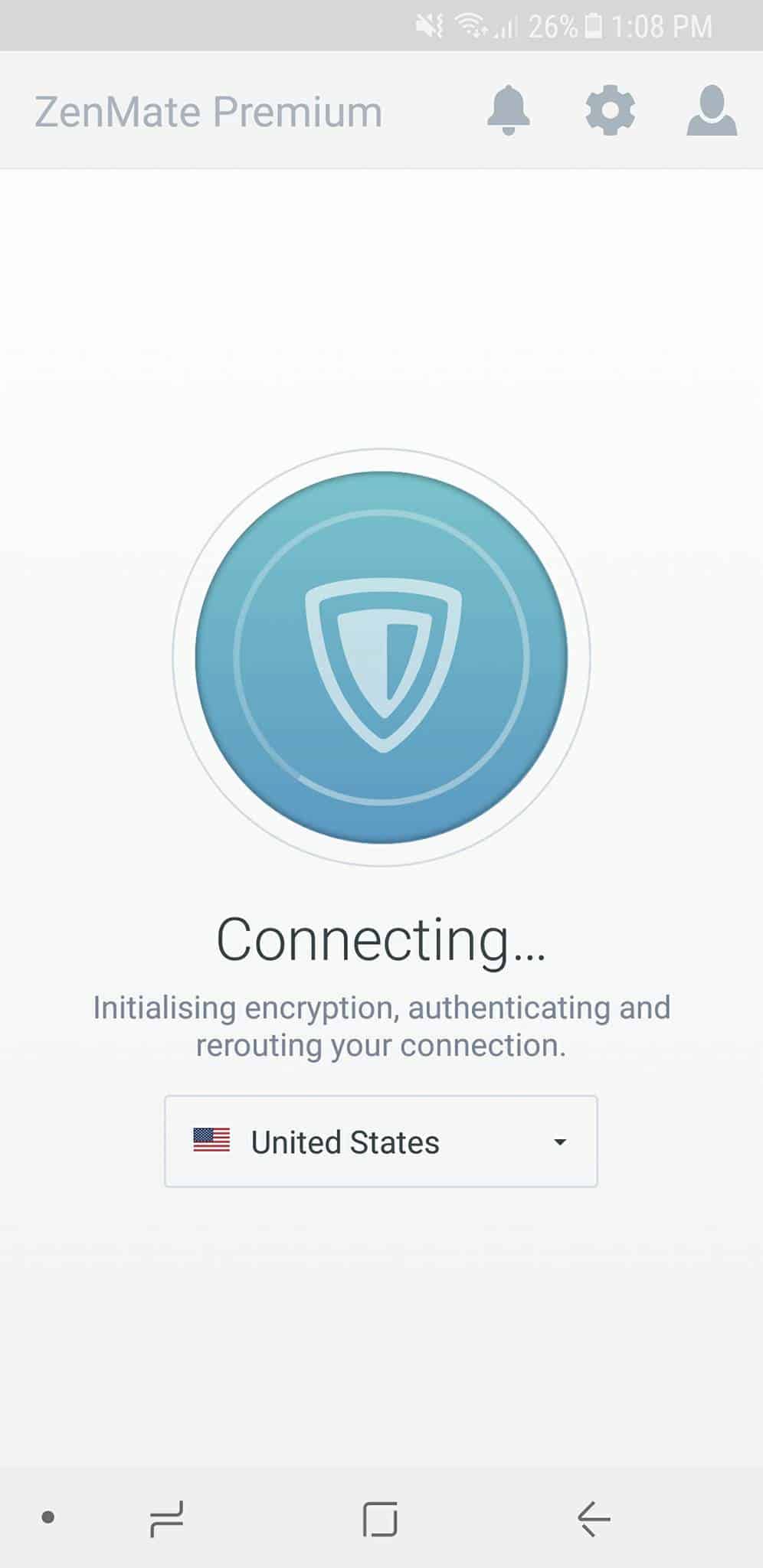
Step 6: After you have selected your desired location, it will automatically connect.
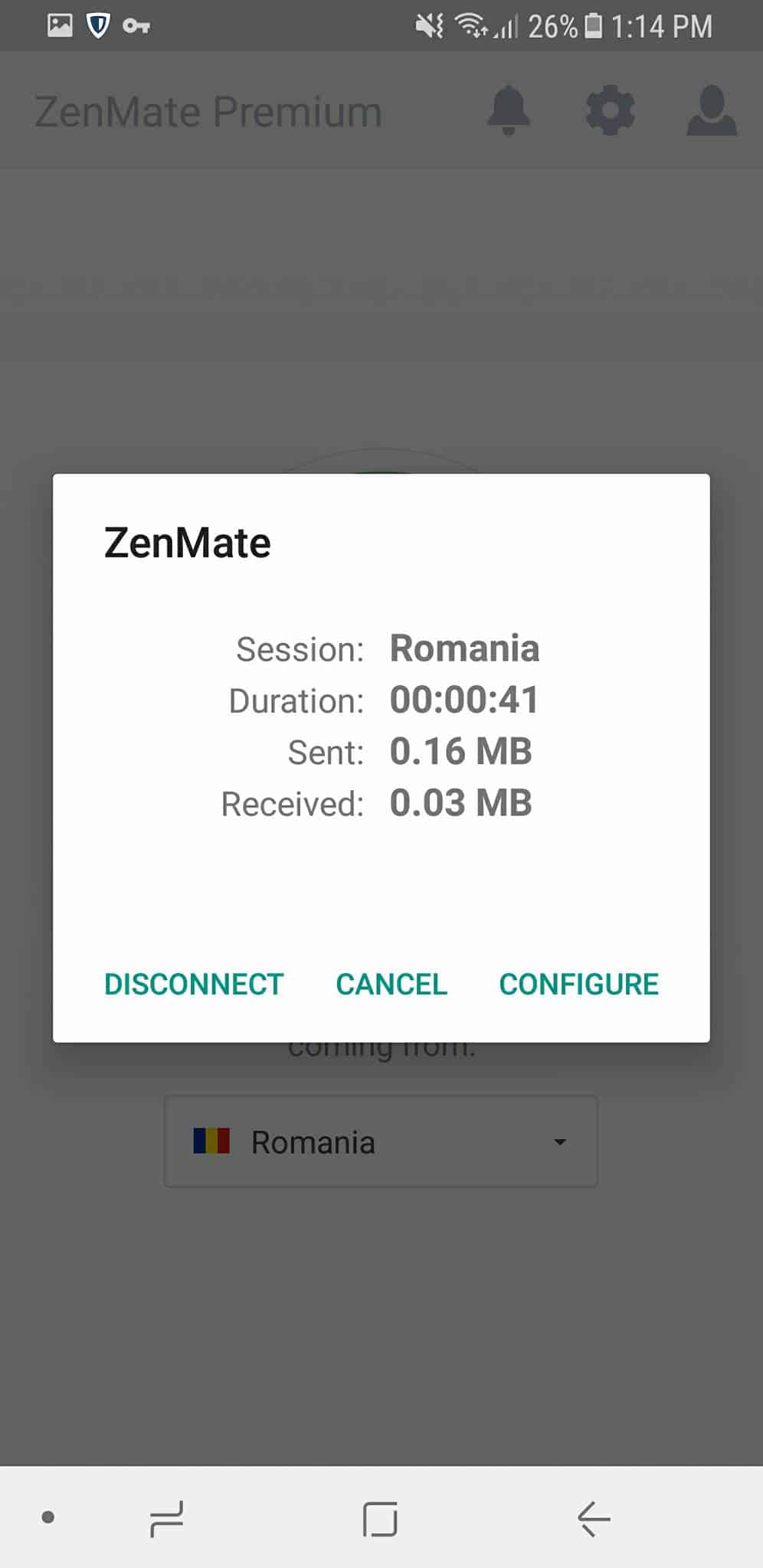
Step 7: This will appear once it is connected. If you want to change your desired location, tap ‘disconnect’. If you want to arrange the settings of the connection, tap ‘configure’.
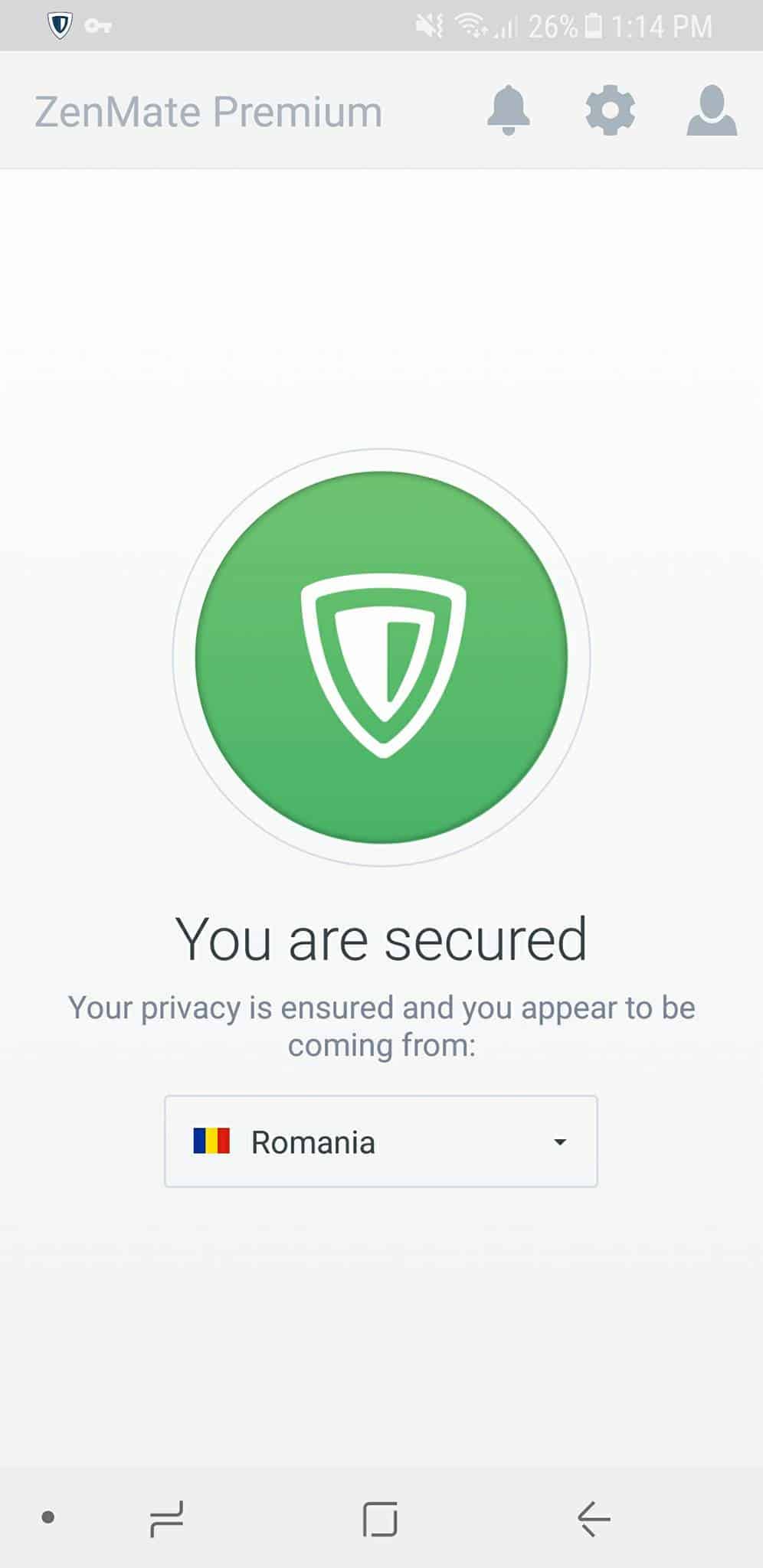
Now, you can browse freely with your phone! Your privacy is ensured with ZenMate VPN.
If you often use your computer for browsing, you do not have to worry! ZenMate VPN is also available for computers.
Here is a guide on How to use ZenMate VPN on your computer:
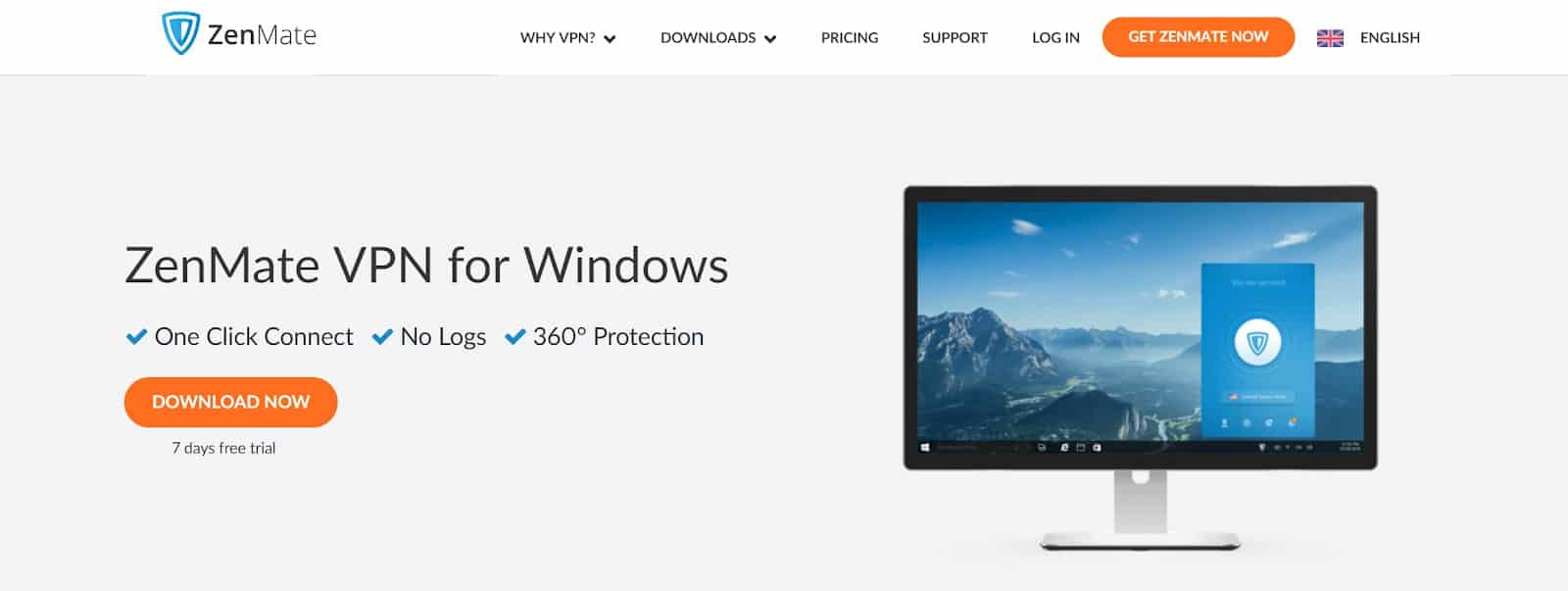
Step 1: Download the application through their website.
For Mac Users: VPN for Mac
For Windows Users: VPN for Windows
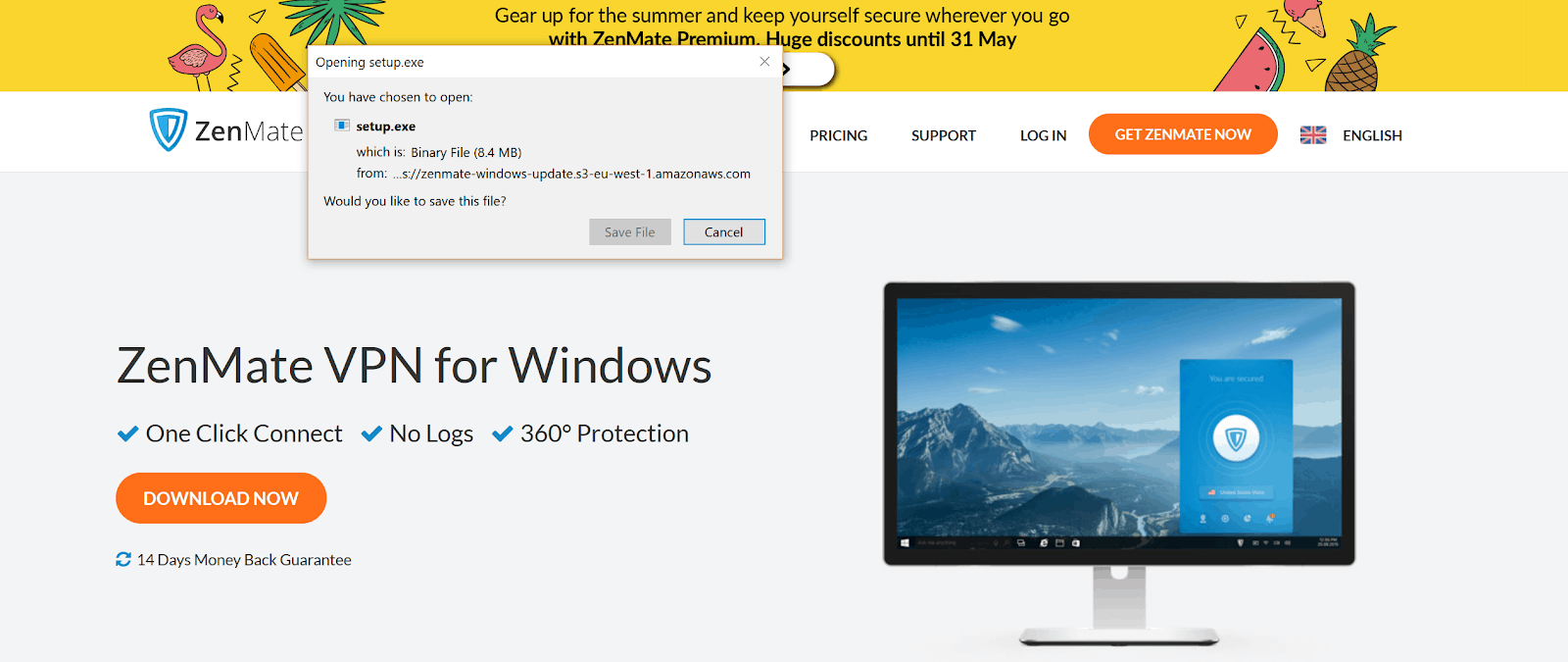
Step 2: Click the ‘Download Now’, a prompt box will appear. Click ‘Save File’ and the application will run on your computer.
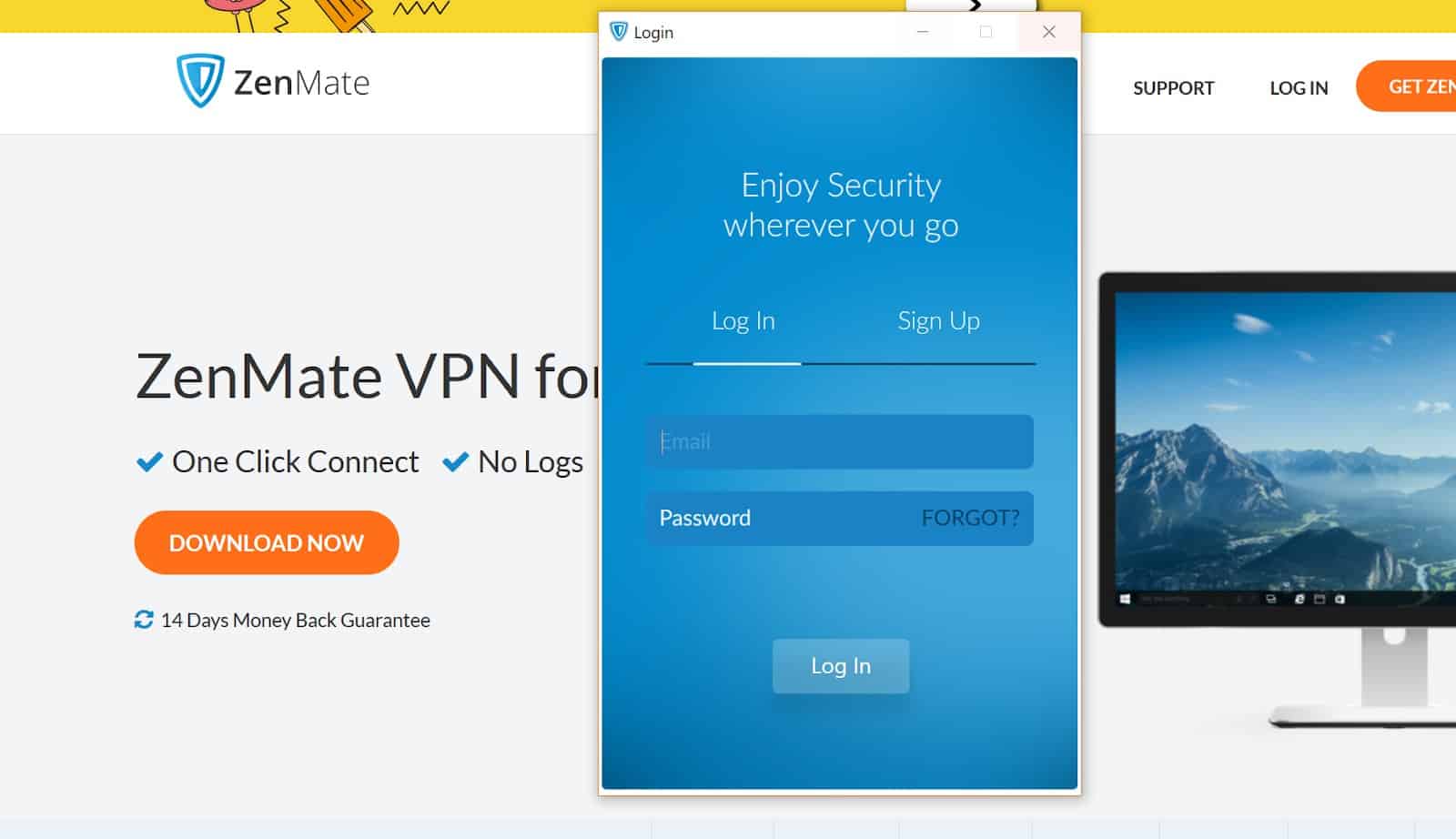
Step 3: Login to ZenMate VPN if you already have an account. Sign up if you do not have one!
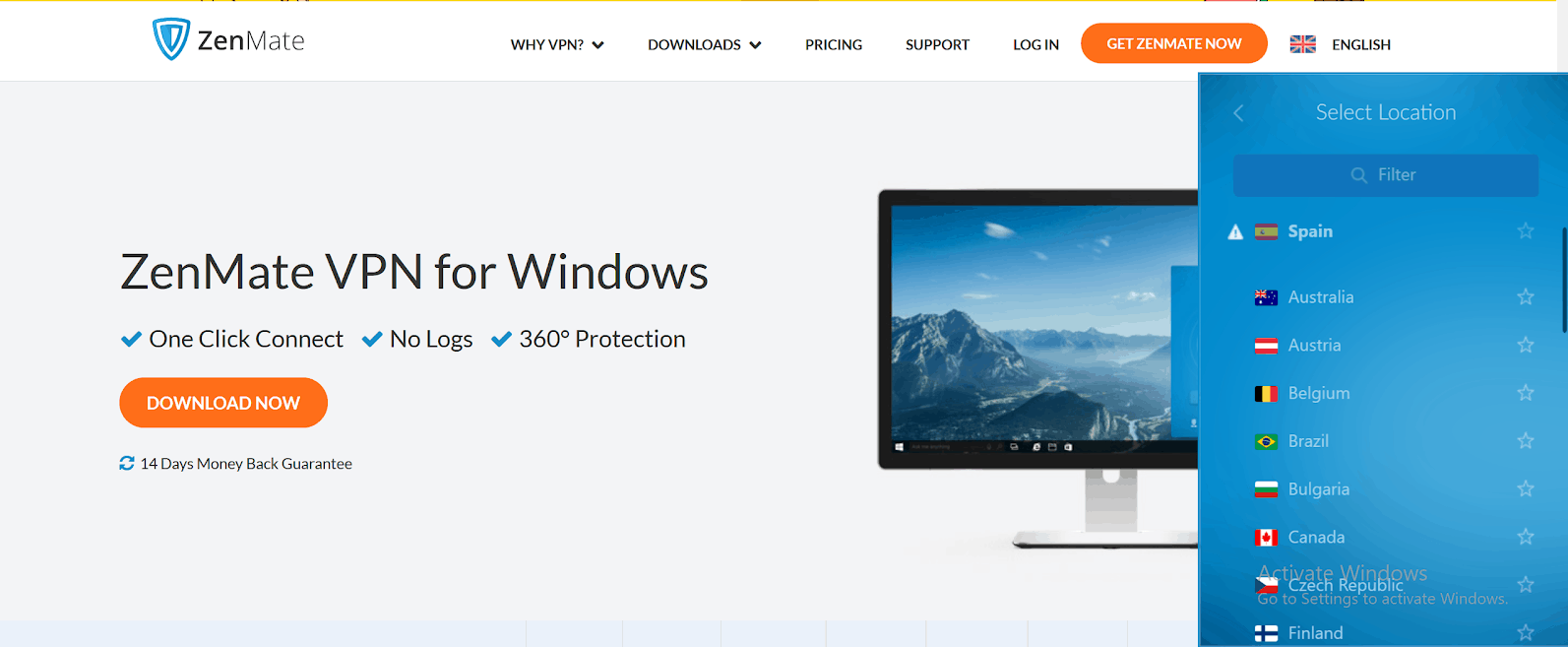
Step 4: ZenMate VPN application will appear on the right corner of your desktop. Choose your desired location.
Step 5: Click the VPN logo to start connection request, and wait until the request is connected
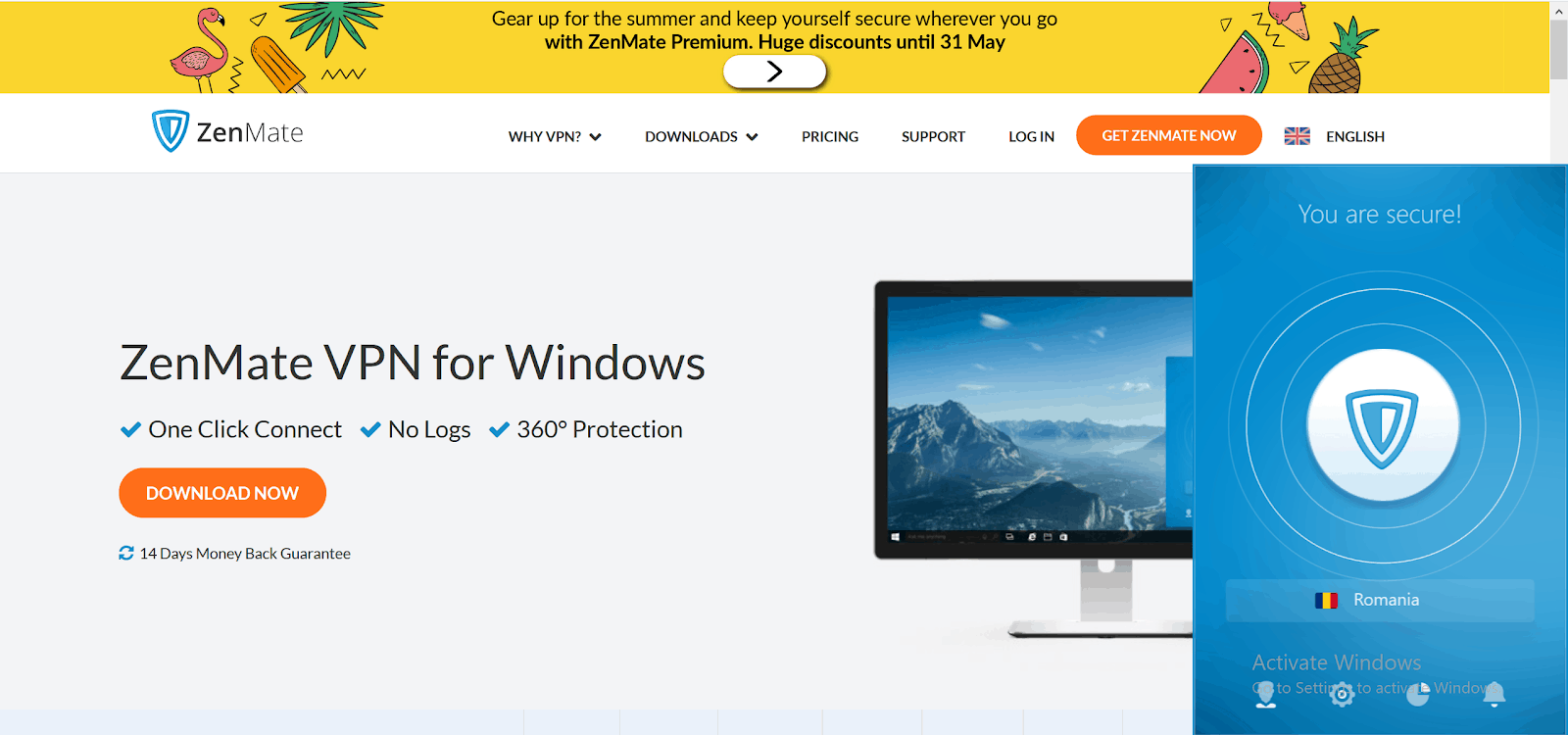
Step 6: You are now secured! You can enjoy browsing all contents with your computer with an ensured privacy.
ZenMate VPN is also available for Chrome, Firefox, and Opera. They provide your utmost privacy and security all over the globe. ZenMate ensures no history and logs of your online activities.
.stars, .rr_star { color: #ffaf00; }
ZenMate VPN: The Best Security and Privacy App
0.0 rating based on 12,345 ratings
Overall rating: 0 out of 5 based on 0 reviews.
Anonymous
Comments
One Comment on “ZenMate VPN: The Best Security and Privacy App”
- Pingback: How To Use A VPN In China (8+ Options!)